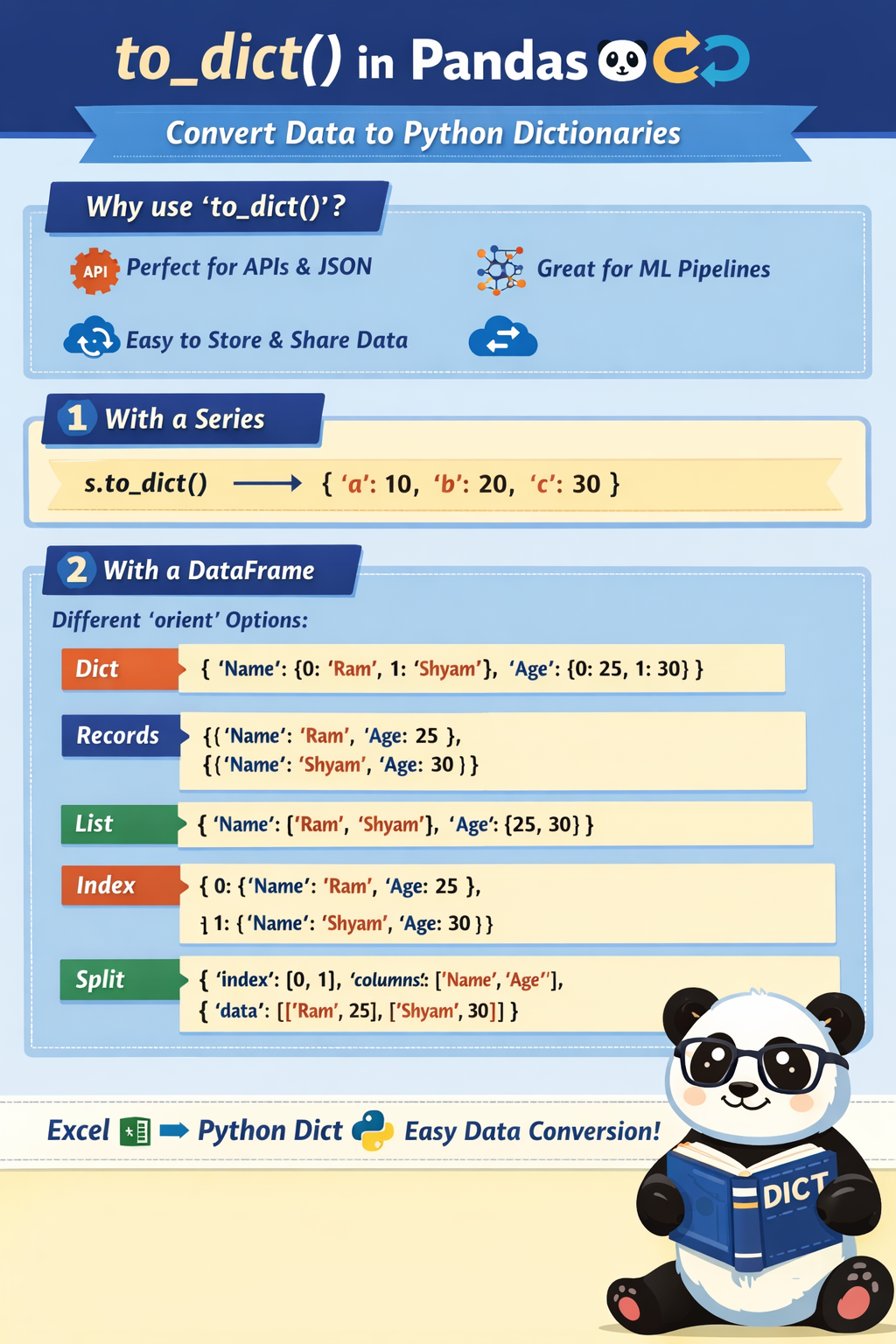
to_dict() — Simple & Clear Explanation (Pandas)to_dict() is a Pandas method used to convert data into Python dictionary format.
It is mainly used with:
DataFrame
Series
to_dict()?Because:
Python APIs, JSON, loops, and logic work better with dictionaries
Databases, FastAPI, Flask, ML pipelines often expect dict input
Easy to store, send, or manipulate data
to_dict() with Seriesimport pandas as pd
s = pd.Series([10, 20, 30], index=['a', 'b', 'c'])
print(s.to_dict())
{'a': 10, 'b': 20, 'c': 30}
🧠 Meaning
Index → key
Value → value
to_dict() with DataFrame (MOST IMPORTANT)df = pd.DataFrame({
'Name': ['Ram', 'Shyam'],
'Age': [25, 30]
})
orient options (Very Important)orient='dict' (default)df.to_dict()
{
 'Name': {0: 'Ram', 1: 'Shyam'},
 'Age': {0: 25, 1: 30}
}
✔ Column-wise dictionary
orient='records' ⭐ (Most Used in APIs & ML)df.to_dict(orient='records')
[
 {'Name': 'Ram', 'Age': 25},
 {'Name': 'Shyam', 'Age': 30}
]
🧠 Real-life use:
API response
JSON
Database insert
orient='list'df.to_dict(orient='list')
{
 'Name': ['Ram', 'Shyam'],
 'Age': [25, 30]
}
✔ Used in analytics & plotting
orient='index'df.to_dict(orient='index')
{
 0: {'Name': 'Ram', 'Age': 25},
 1: {'Name': 'Shyam', 'Age': 30}
}
✔ Row-wise with index as key
orient='split'df.to_dict(orient='split')
{
 'index': [0, 1],
 'columns': ['Name', 'Age'],
 'data': [['Ram', 25], ['Shyam', 30]]
}
✔ Used internally in ML pipelines
Think of Excel → Python
| Excel Sheet | Python Dict |
|---|---|
| Columns | Dictionary keys |
| Rows | Dictionary values |
| Table | Nested dictionary |
| Use case | Best orient |
|---|---|
| API / JSON | records |
| Analytics | list |
| Row-based ops | index |
| ML internal | split |
to_dict()converts Pandas data into Python dictionaries for easy use in logic, APIs, ML & GenAI pipelines.
 Continue With Google
  Programming

