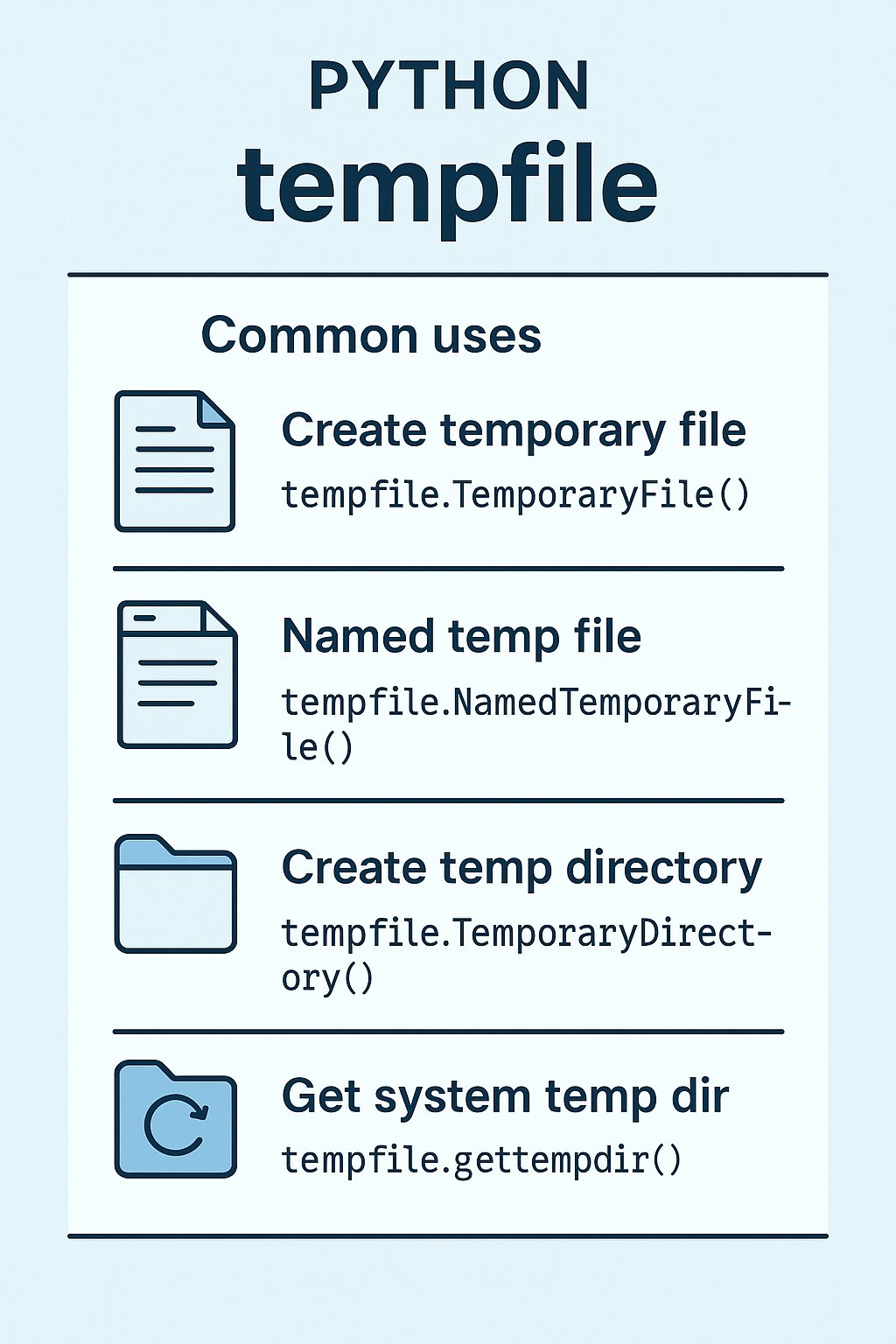
The tempfile module in Python is used to create temporary files and directories.
These are useful when you need a file for intermediate steps in your program that doesn’t need to be stored permanently.
tempfile| Task | Function | Description |
|---|---|---|
| Create temporary file | tempfile.TemporaryFile() |
Returns a file-like object that is automatically deleted when closed. |
| Named temp file | tempfile.NamedTemporaryFile() |
Like TemporaryFile, but with a visible name in the file system. |
| Create temp directory | tempfile.TemporaryDirectory() |
Creates a temporary directory that is cleaned up when done. |
| Get system temp dir | tempfile.gettempdir() |
Returns the default temp directory path (e.g., /tmp on Unix, %TEMP% on Windows). |
import tempfile

# Create a temporary file and write to it
with tempfile.TemporaryFile(mode='w+t') as temp:
    temp.write("Temporary data")
    temp.seek(0)
    print(temp.read())
# File is automatically deleted here
tempfile?Keeps your filesystem clean
Ensures temp files are secure (default permissions restrict access)
Avoids naming conflicts (generates unique names)
Automatically deletes files/directories after use (in context managers)
 Continue With Google
  Programming

