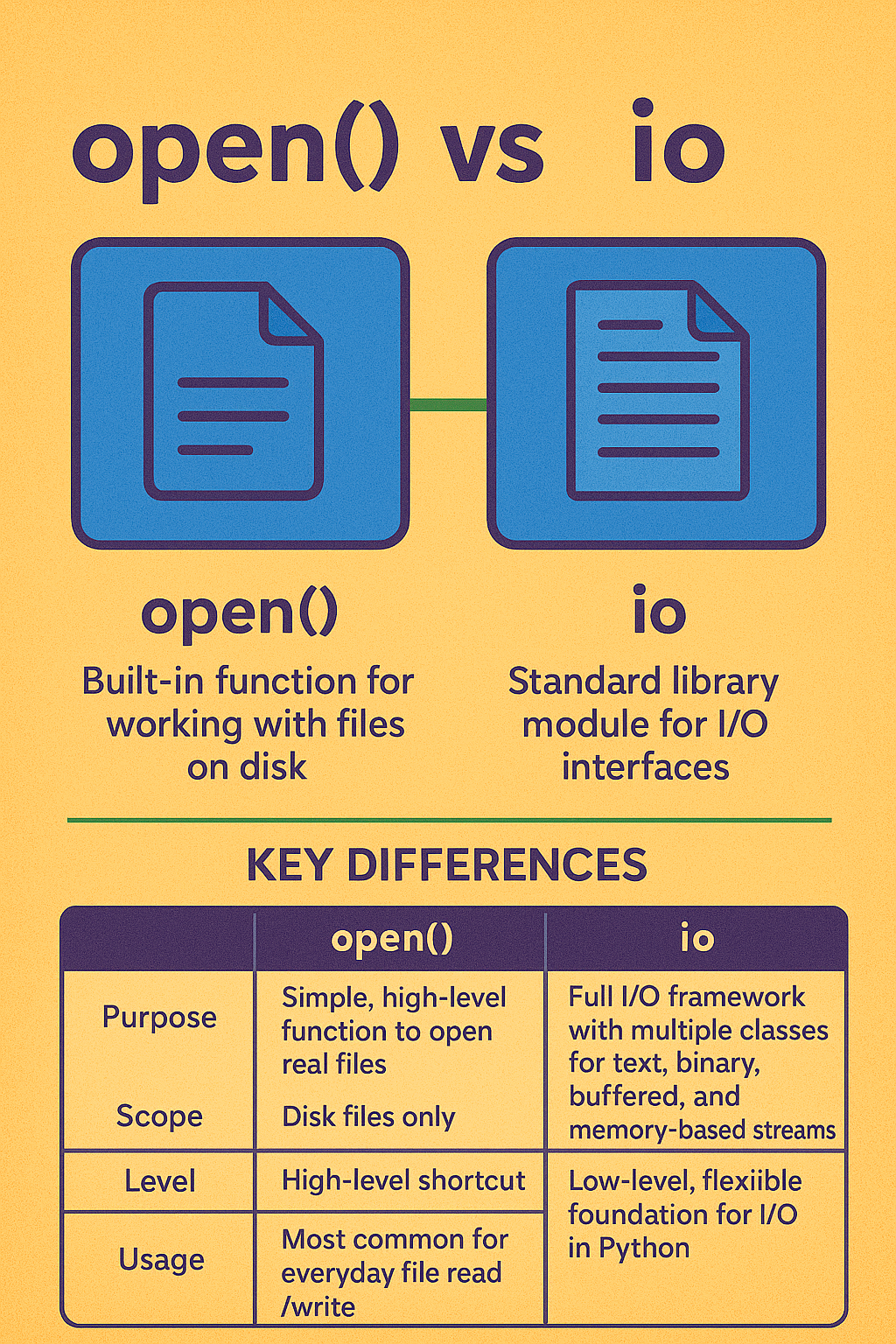
🔹 open() in Python
Built-in function for working with files stored on disk.
Used for reading/writing files normally.
Example:
f = open("file.txt", "r")
data = f.read()
f.close()
io ModuleA standard library module that provides a stream-based I/O interface.
It underlies how open() works internally.
It allows you to work not just with real files, but also in-memory streams (like using a string or bytes as if they were files).
Example:
import io

# In-memory text stream (not on disk)
stream = io.StringIO("Hello, world!")
print(stream.read())  # Output: Hello, world!
| Feature | open() |
io module |
|---|---|---|
| Purpose | Simple, high-level function to open real files | Full I/O framework with multiple classes for text, binary, buffered, and memory-based streams |
| Scope | Disk files only | Disk files + in-memory streams (StringIO, BytesIO) + custom streams |
| Level | High-level shortcut | Low-level, flexible foundation for I/O in Python |
| Encoding | Supports encoding (e.g., UTF-8) | Advanced control with TextIOWrapper |
| Usage | Most common for everyday file read/write | Useful for testing, memory operations, or custom file-like objects |
👉 In short:
Use open() when you just want to read/write a file.
Use io when you need fine-grained control, in-memory files, or custom stream handling.
 Continue With Google
  Programming

