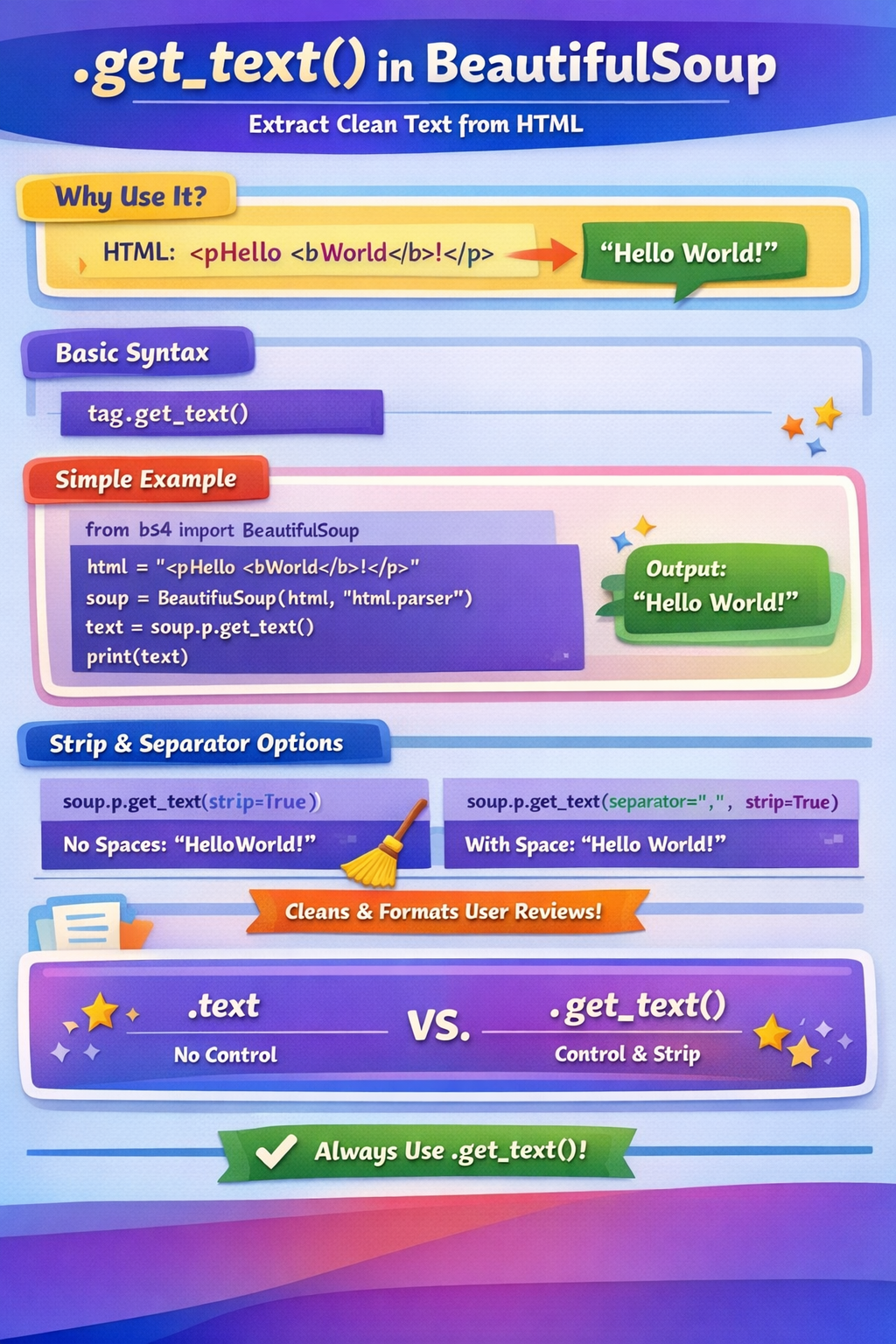
.get_text() method — explained simply (Python / BeautifulSoup)The .get_text() method is mainly used in BeautifulSoup to extract only the readable text from an HTML element, removing all HTML tags.
.get_text() is usedWhen you scrape a webpage, you usually get HTML like this:
<p>Hello <b>World</b>!</p>
But you often only want the text, not the tags.
👉 .get_text() does exactly that.
tag.get_text()
from bs4 import BeautifulSoup

html = "<p>Hello <b>World</b>!</p>"
soup = BeautifulSoup(html, "html.parser")

text = soup.p.get_text()
print(text)
Hello World!
.get_text(strip=True)Removes extra spaces and newlines.
text = soup.p.get_text(strip=True)
HelloWorld!
⚠️ Notice spaces are removed — sometimes this is not desired.
To preserve spacing between text inside tags:
text = soup.p.get_text(separator=" ", strip=True)
print(text)
Hello World!
👉 Best practice while scraping.
review = soup.find("div", class_="review-text")
clean_review = review.get_text(separator=" ", strip=True)
This:
Removes <br>, <span>, <div>
Keeps readable sentences
Returns clean review text
.text vs .get_text()| Feature | .text | .get_text() |
|---|---|---|
| Extract text | ✅ | ✅ |
| Separator control | ❌ | ✅ |
| Strip spaces | ❌ | ✅ |
| Recommended | ❌ | ✅ |
Example:
tag.text
tag.get_text(separator=" ", strip=True)
👉 Always prefer .get_text()
.get_text() is NOT neededIf data is already plain text:
json_data["title"]
No HTML → no need for .get_text().
HTML in → Clean text out =
.get_text()
 Continue With Google
  Programming
 AI: Artificial intelligence

